Every setting is shown visually, so you can check it in seconds right next to your computer.
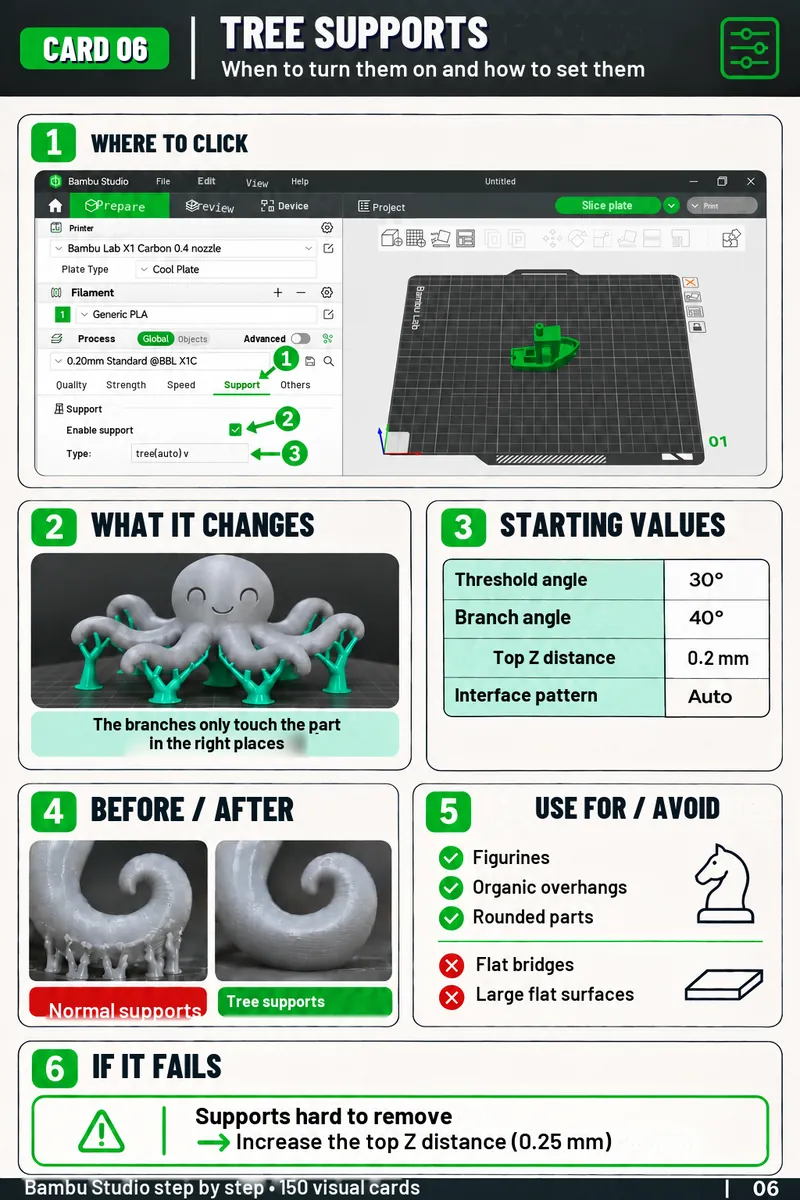
Every card follows the same layout, so the information is always in the same place.
Tap the numbers to see each part
The setting in large type, so you find the right card at a glance.
The Bambu Studio screen, with the tab and the option to set.
A real part, so you can see the effect of the setting.
The values to start with, instead of starting from scratch.
The parts where this setting works best, and the ones where it's better to change it.
The symptom and the first setting to fix, without searching through forums.
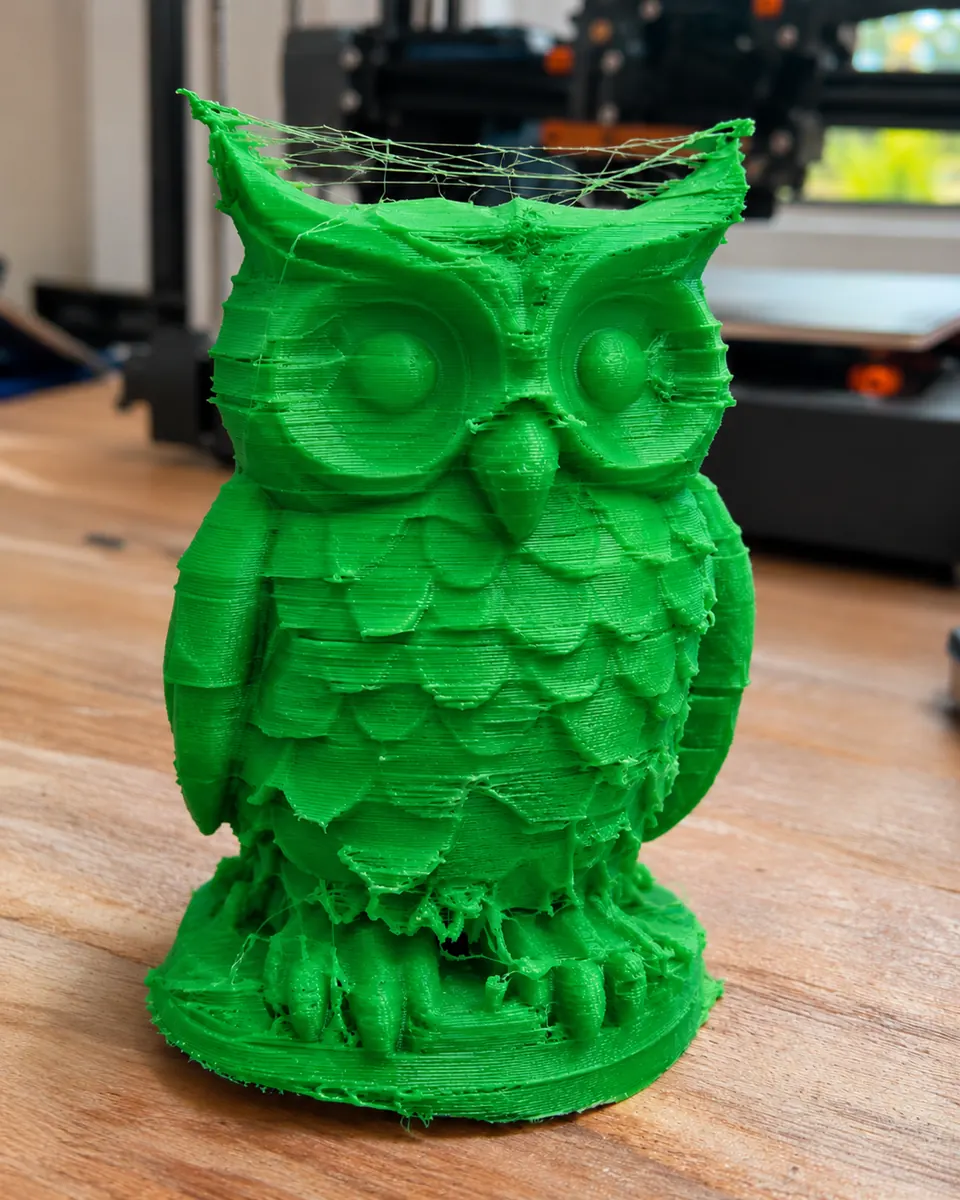
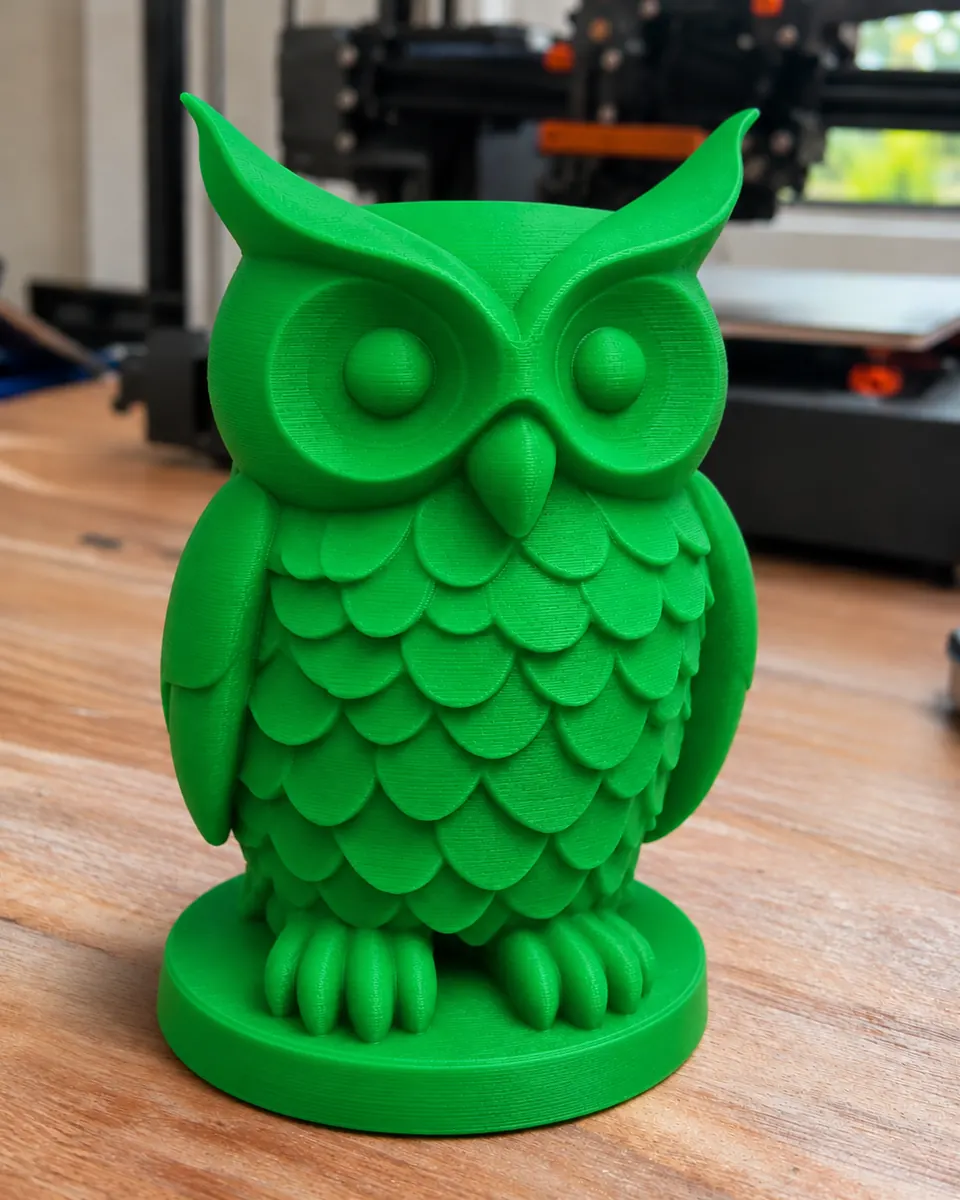
Ever lost hours and filament on a print full of strings and defects? Drag to compare.


DRAG TO COMPARE
Without a clear reference, it's easy to get lost between tabs, profiles and settings for every part.
Quality, Strength, Speed, Support, Others: where do you even start?
Many people avoid changing anything for fear of making the result worse.
Printer, filament, process⦠every combination changes the result.
Videos, forums, groups: preparing one print takes forever.
Tweak, reprint, start again⦠until you find a good starting point.
Every failed print is time and material thrown away.
Take advantage of the current price while the offer is available.
You want to understand the essential settings with a reliable visual reference.
You want to check layers, walls, supports and calibration without guesswork.
A1 mini, A1, P1S, X1 or H2D: you want to get the most out of your printer from day one.
You want more consistency, fewer defects and less wasted material.
A quick check before printing, instead of information scattered all over the internet.
Simple material that's easy to look back at, check and print.
Quick-reference material to help you improve, avoid mistakes, get fits right, record your calibrations and practice.

Your step-by-step path in Bambu Studio.

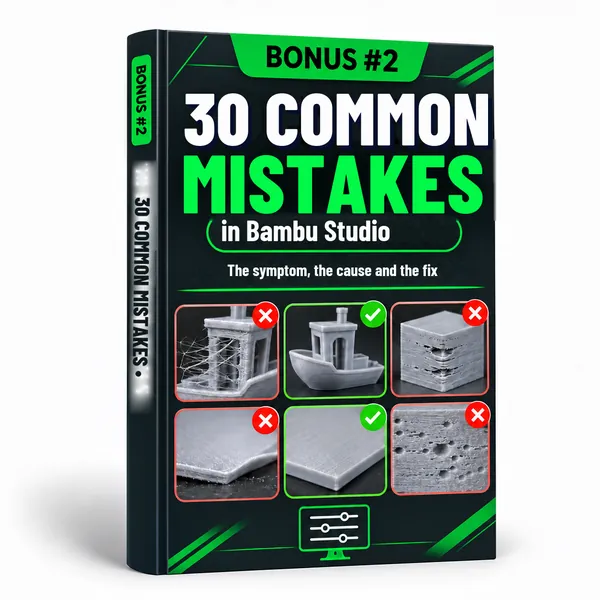
The defect, the cause and the setting to fix.

Parts that fit together on the first try.

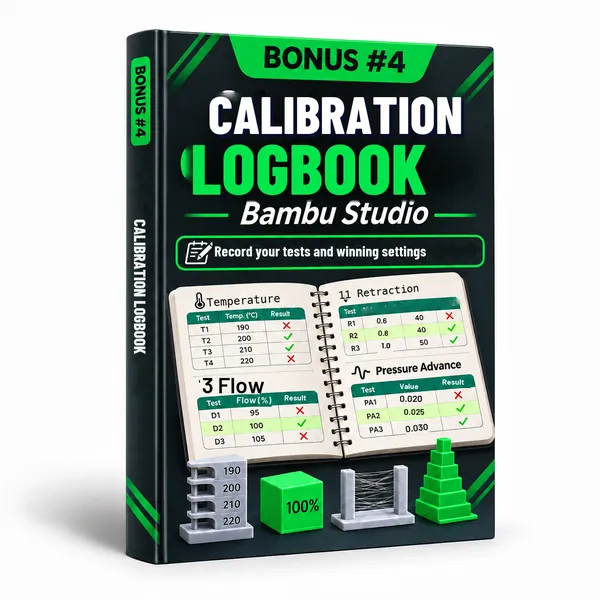
Record your tests and your winning settings.

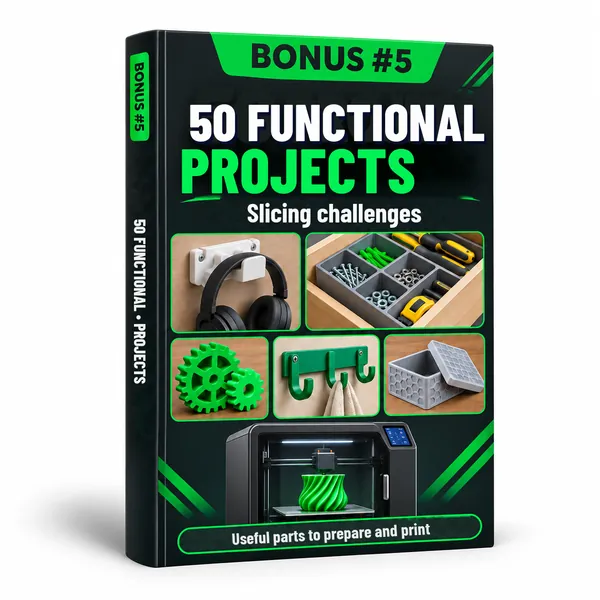
Useful parts to prepare and print.
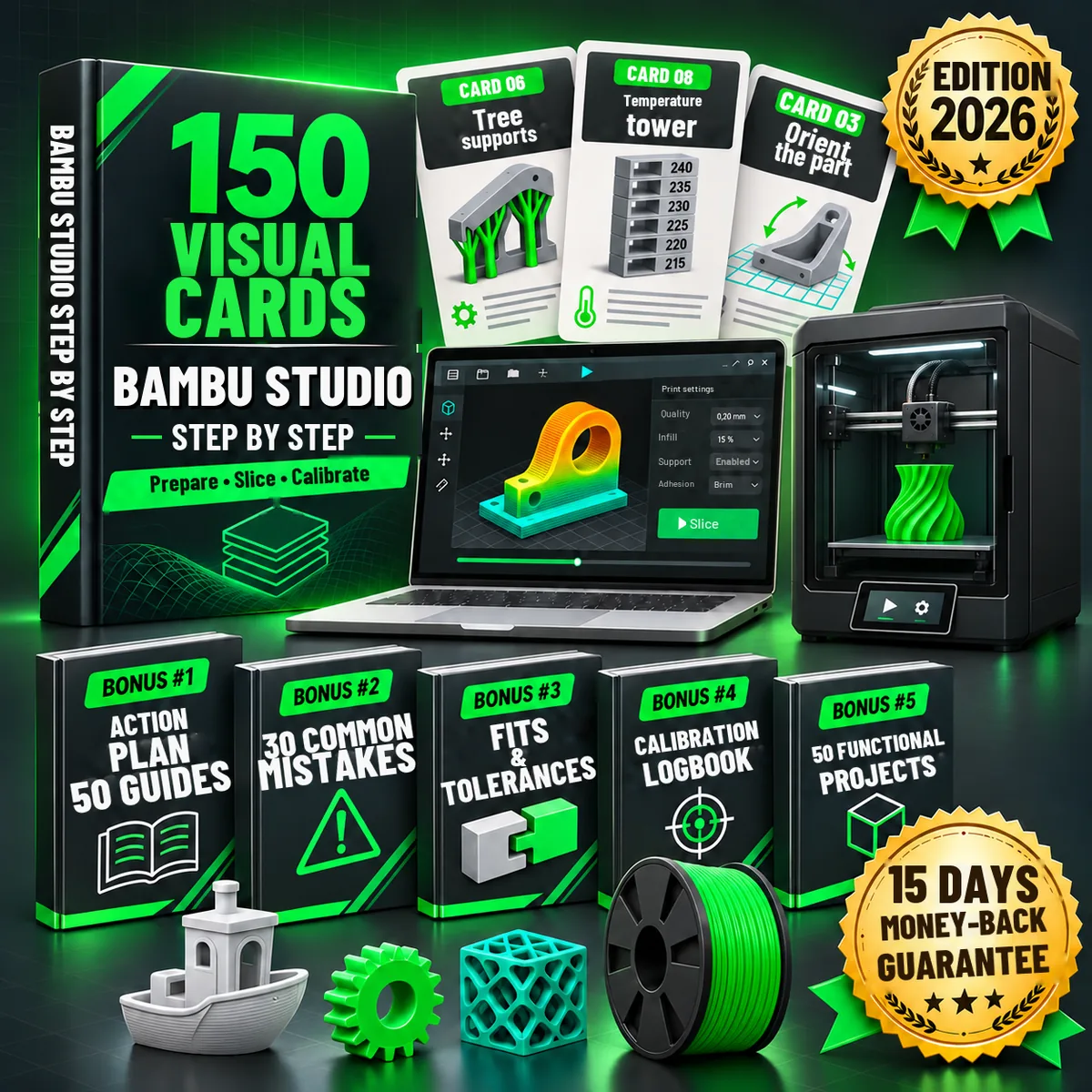
The +150 cards and the 5 bonuses, in a single payment.
Everything you get:

15-day guarantee. If the cards aren't right for you, you get a 100% refund, no questions asked.
Payment processed by Hotmart Β· Digital product Β· Access by email
Click the button and complete your purchase in a few seconds.
Your access link arrives in your inbox right after payment.
Ready-to-use PDFs to check or print whenever you like.
If, within 15 days of your purchase, you find that:
Just ask for a refund within 15 days of purchase. No complicated process, no stress and no questions asked.
100% digital, in PDF. You get access by email right after your payment is confirmed, and you can download everything to your computer, phone or tablet.
As soon as your payment is confirmed, Hotmart automatically sends you an email with the access link to all the files.
Yes. All the cards are high resolution, ready to print and pin up next to your computer or printer.
Forever. Once downloaded, the files are yours.
The cards are made for Bambu Studio and Bambu Lab printers (A1 mini, A1, P1S, P1P, X1 Carbon, X1E, H2Dβ¦). The values are starting points to adjust to your machine and your filament.
No. They're made both for beginners and for people who already print and want their settings organized.
No, Bambu Studio is the free software provided by Bambu Lab. These cards are an independent guide to help you get the most out of it.
Yes. Payment is processed by Hotmart, a digital products platform used by millions of customers. Your details are encrypted.
You have a 15-day guarantee. Just ask for a refund within that period and you get a 100% refund.